UX design for Industry

For improving usability for machines and products
User Experience Design (UX Design) focuses on improving the physical as well as the visual interactions with the machine/product. Good UX Design can be crucial for a product’s success. This is especially true for markets in which UX Design has become common, such as consumer products and websites.

We take a close look at both the physical ergonomics and the GUI (Graphical User Interface).

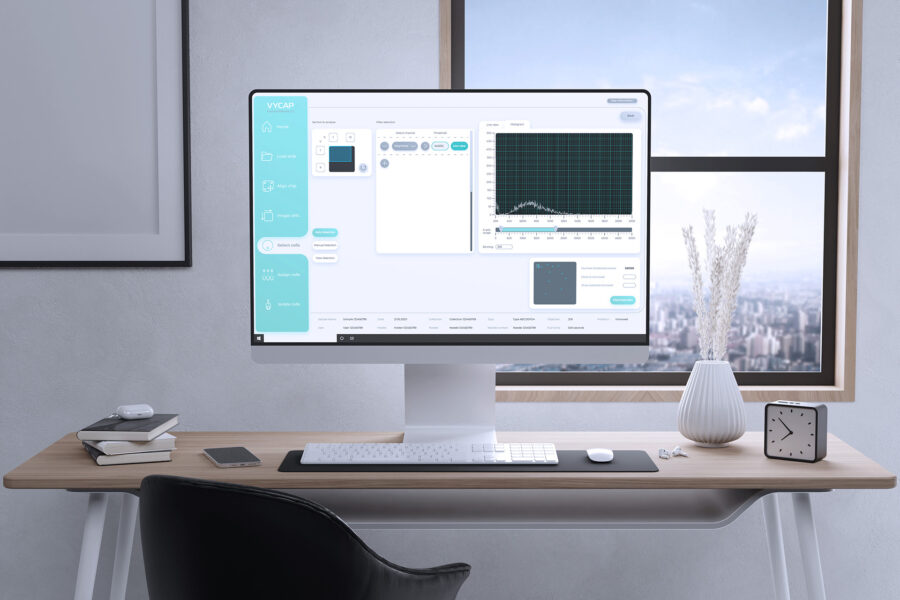
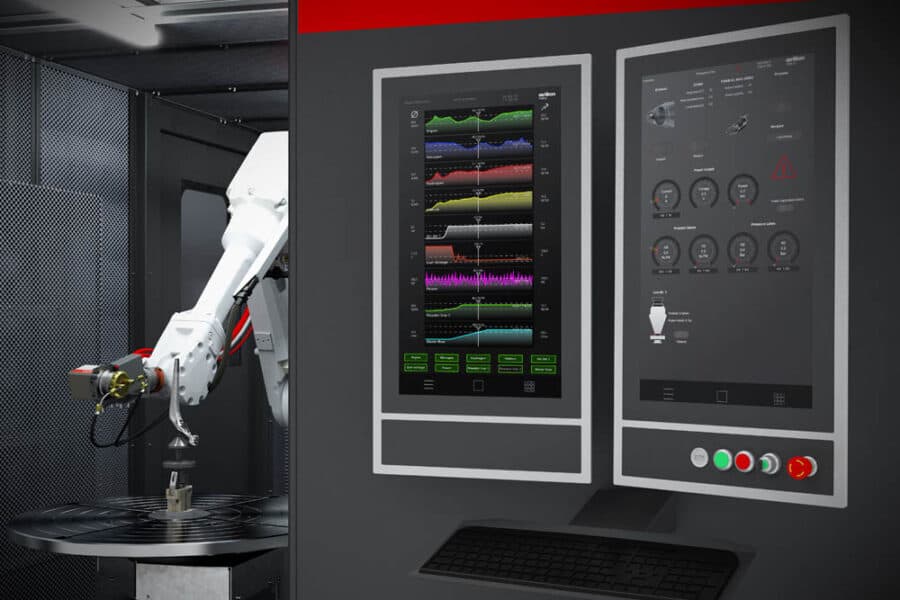
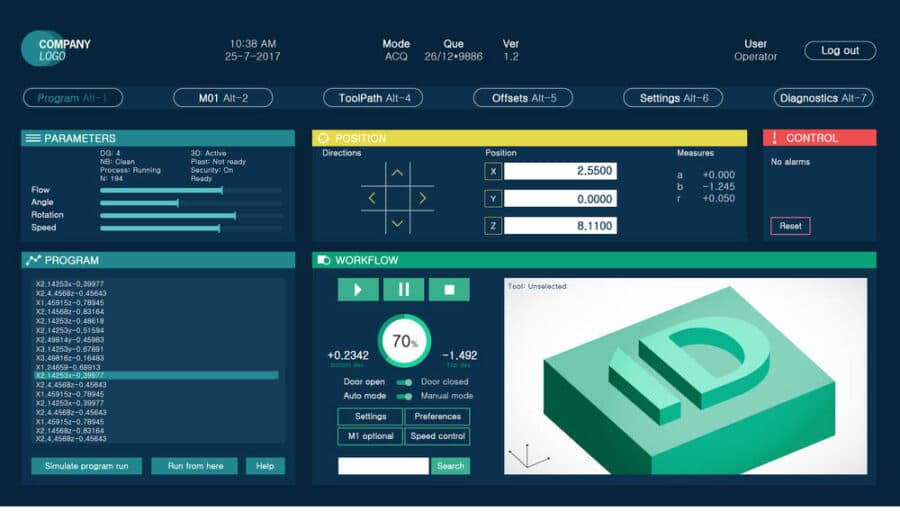
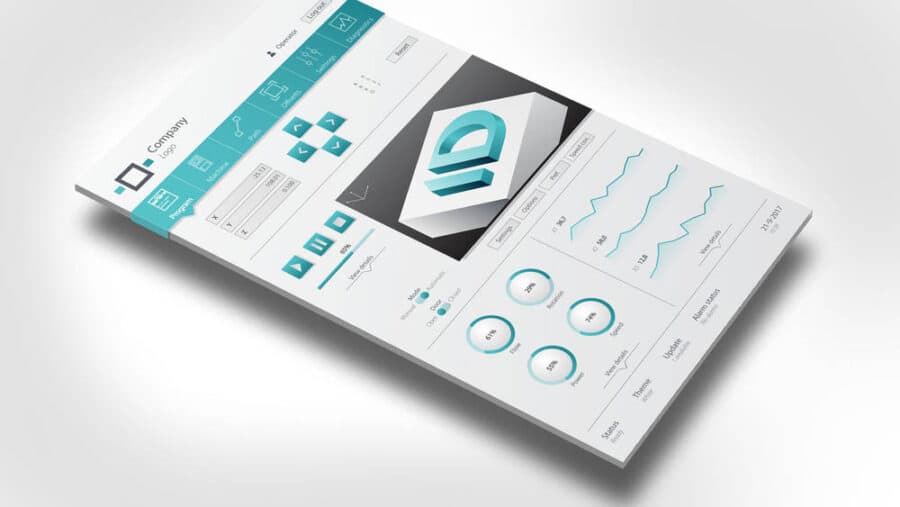
User Experience design, UX Design for industrial GUI

What can User Experience Design do for you?

UX Design can be employed to achieve various goals:

  • More efficient use of products or machinery
  • Reducing training costs as learning how to operate the machine becomes easier
  • Improve operator conditions (reduce health issues)
  • Reduce human error and downtime
  • Overall pleasant user experience, user enjoys interacting with
    the machine

UX Design process

Function analysis

Analyse, evaluate and investigate the various functions of the product or interface through interviews and observations.

Use-based research

Research by creating different personas and use case scenarios.

Design proposals

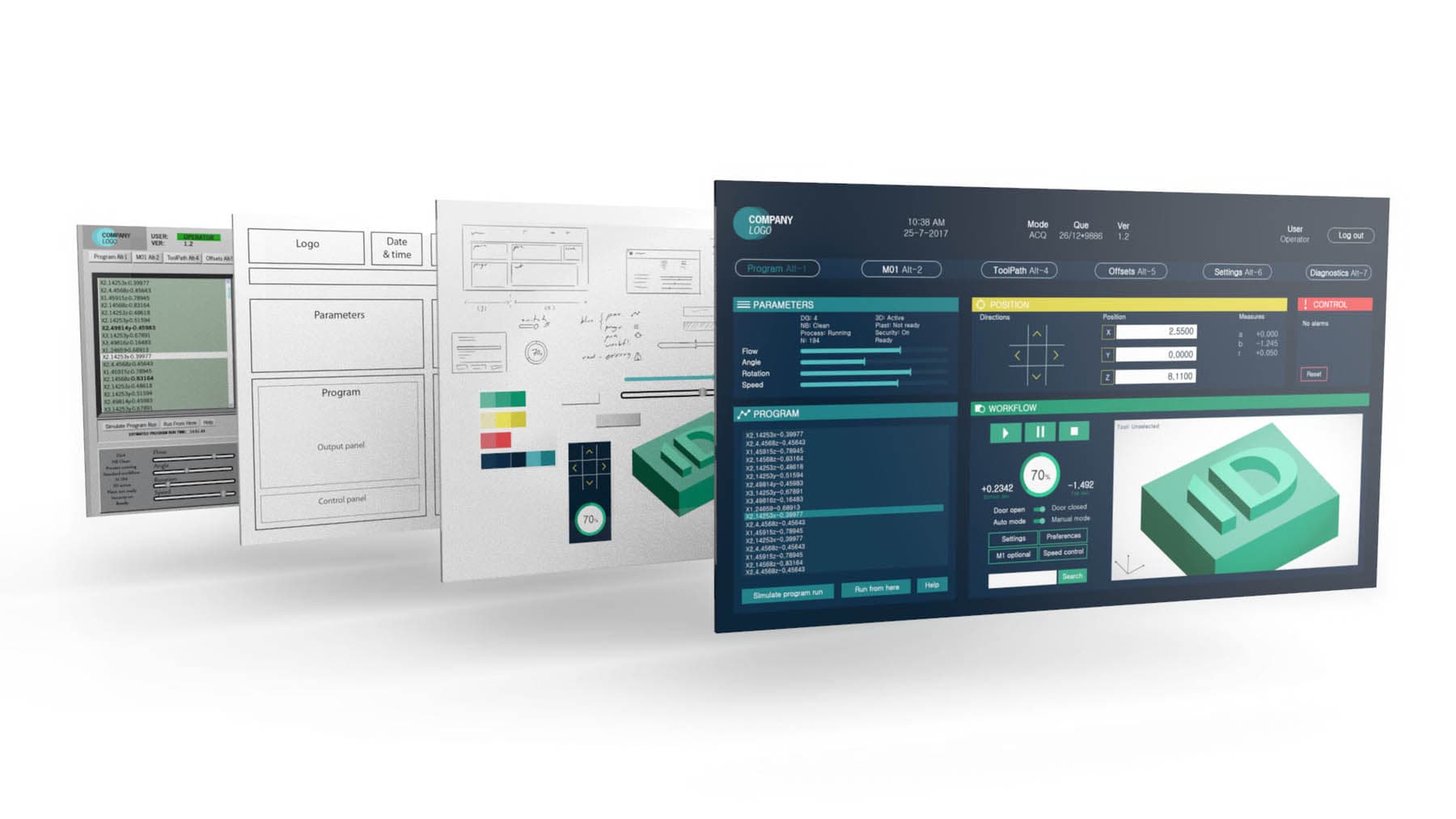
Creating different design proposals by setting up wireframes to improve lay-outs, optimized for fast, ergonomic and intuitive operations.

Design iterations

Create design proposals based on the wireframes to determine different design themes.

User testing

Gain insight from multiple users by test prototypes to evaluate design concepts.

Final design

Refining features and design details to finalize the design for implementation.

Contact

For more information please contact us

Contact us
IDpartners contact us

Frequently Asked Questions

To help you as quickly as possible, we have compiled the most frequently asked questions about UX design for you.

Absolutely.

During the design process, we take predefined screen sizes and orientations into account, whether the interface will be used on tablets, mobile devices, operator panels, or large control room displays.

No. We also design and optimize physical interaction elements such as: Buttons, Doors, Operator cabin layouts & Remote control desks

Depending on the project, we create physical mock-ups to test and evaluate interaction concepts.

UX design makes products easier, safer, and more pleasant to use.

  1. Safety and Risk Reduction In demanding environments such as manufacturing and healthcare, unclear messages or poorly positioned controls can lead to failures or safety risks. A well-designed interface ensures reliable operation in real-world conditions.
  2. Improved Efficiency Simplified menus, logical workflows, and well-grouped functions enable users to perform tasks faster and more effectively.
  3. Reduced Training Requirements Intuitive layouts, consistent icons, and standardized terminology significantly shorten the learning curve.
  4. Fewer Operator Errors Reducing cognitive workload helps users make fewer mistakes. Clear visual feedback guides operators effectively through their tasks.
  5. Clear Information Hierarchy Interfaces are structured into multiple levels:
    • Overview level (main systems)
    • Area level (subsystems)
    • Detail level (diagnostics and troubleshooting)
    • This allows users to find information quickly.
  6. Logical Spatial Layout Graphical elements are aligned with the physical layout of machines and installations, making interfaces easier to understand.
  7. Contextual Clarity Relevant data is directly linked to the equipment or parameters it belongs to, reducing ambiguity and interpretation effort.
  8. Accessibility Under All Conditions Interfaces are designed to remain usable under challenging conditions, including:
    • Operation with gloves
    • Bright ambient light
    • Noisy environments
    • Color blindness and other visual limitations

We are happy to provide non-binding advice and discuss the possibilities. Please contact us through our contact form or call +31 53 4301 701.

We analyze how a product or machine is used and improve both physical and digital interactions.

Our approach consists of the following steps:

  1. Analyze product use through interviews and observations.
  2. Optimize user interaction through workflow and navigation concepts.
  3. Improve layout, information density, and logical structure.
  4. Define a modern visual style that fits the brand and product.
  5. Optimize interaction elements using icons, graphics, and color.
  6. Implement the final design.

Here you will find our UX Design approach -> 

The required time strongly depends on the complexity of the product or machine.

Once we understand the scope of the project, we can generally provide a reliable estimate very quickly.

We have experience designing digital interfaces for a wide range of applications and platforms, including systems from Beckhoff, Siemens, and Bosch, as well as SCADA software such as SIMATIC WinCC and TwinCAT HMI.

We also have the expertise to develop functional mock-ups and interactive prototypes that simulate real-world usage scenarios, allowing us to evaluate and validate the design before implementation. However, due to the wide variety of programming languages and software platforms available, it is not feasible for us to maintain in-house expertise in every programming environment.

After completing the design phase, the implementation is typically carried out either by our client’s own software engineering team or by external software development partners. We can support the implementation process by providing graphical assets and design documentation, including brand guidelines, icon designs, color schemes, and other visual design elements.

During implementation, we are also happy to remain involved to help safeguard the design quality and consistency. We can review developments, provide design guidance, and create additional screens or interface elements as needed to ensure the final solution maintains a cohesive and optimized user experience.